

Home Services Tools Portfolio About Reviews Blog Contact Talk to an engineer+880 1886-684876
Dhaka, Bangladesh · Engineering and digital delivery

We design what you build.
We build what you run.

ClickBit Digital brings Engineering Design & BIM Modeling and Software & IT Solution into one coordinated practice—from CAD, Revit, Plant 3D and Navisworks deliverables to focused business software and web applications.

0focused divisions
0specialist services
0review-led workflow
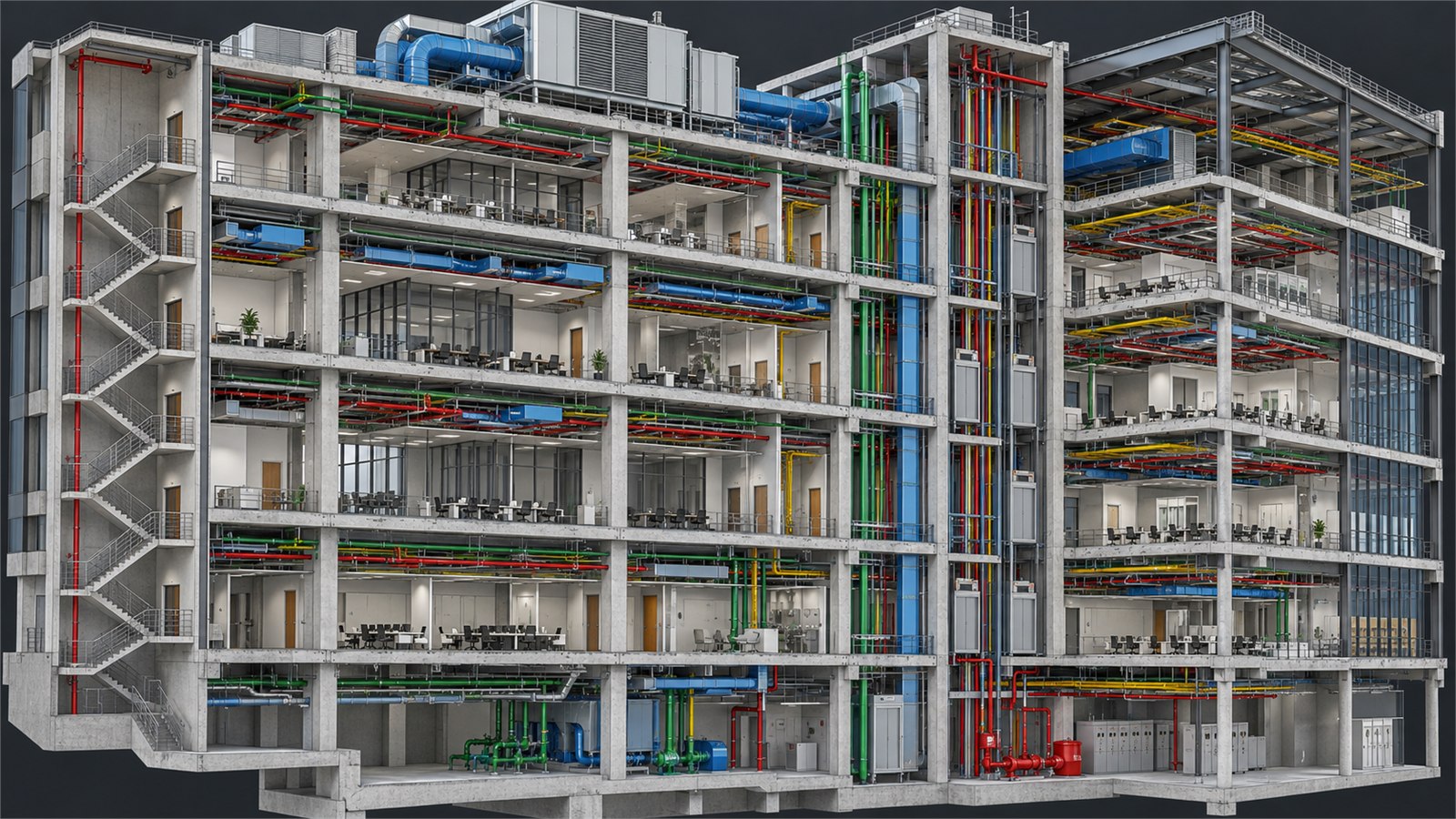
Direct Revit export of a coordinated multistory BIM model
Two focused divisions

One team for the model and the system.

Choose a division to see the complete service range, direct project imagery, deliverables, process and FAQs.

AutoCADRevitNavisworksAutoCAD Plant 3DSolidWorksSketchUpLaravelReactNode.jsFlutter
Featured services

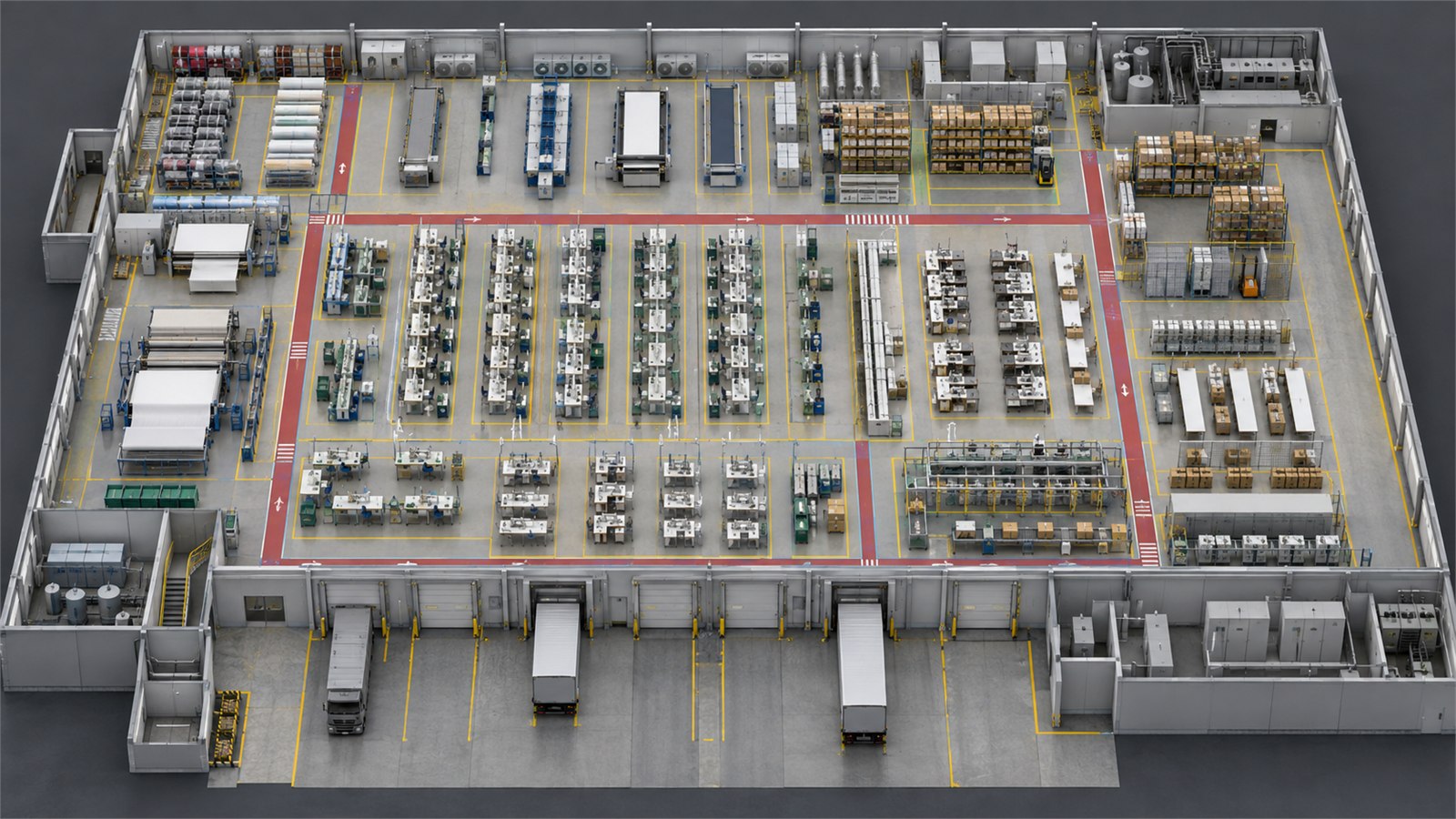
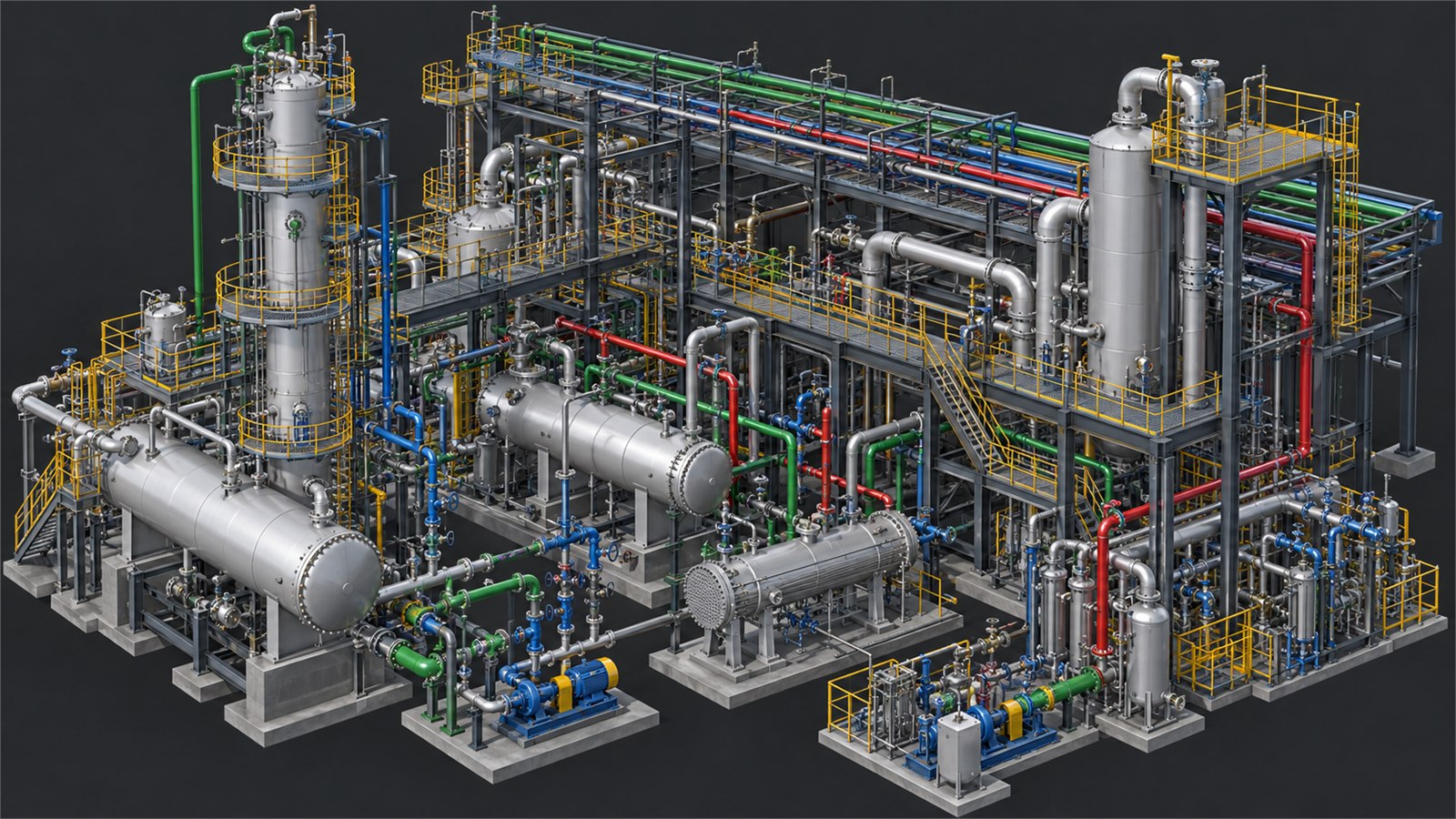
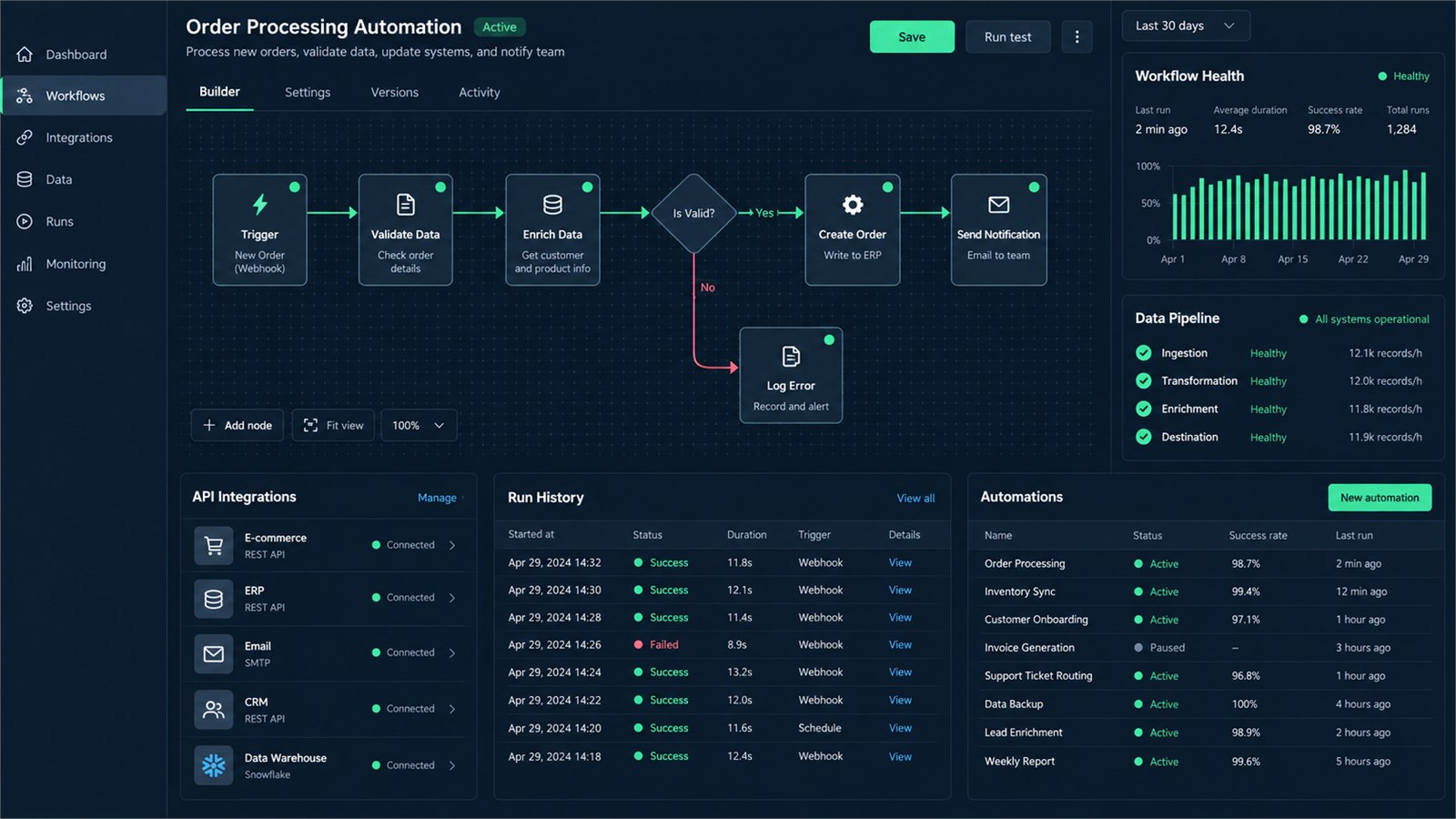
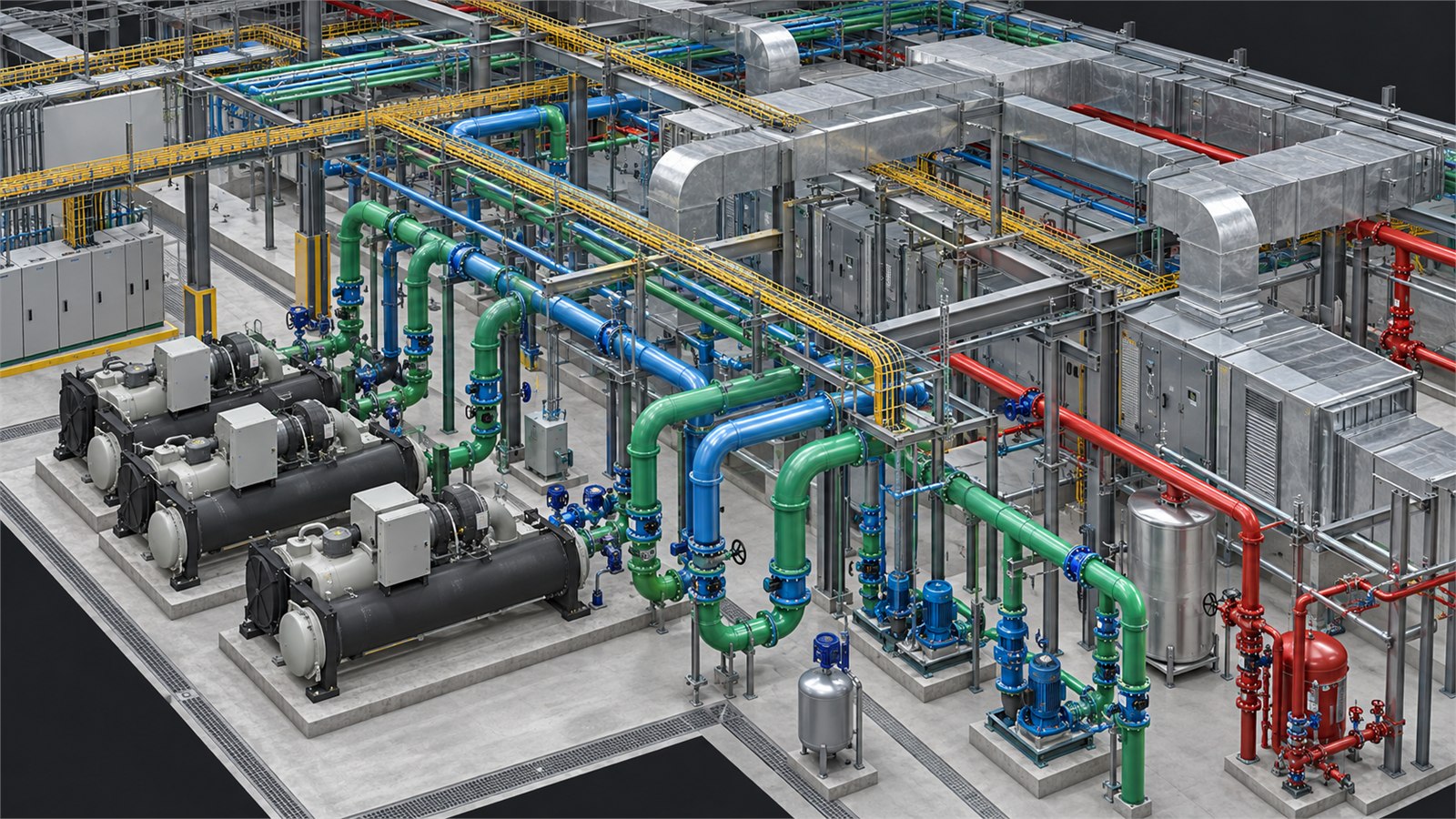
Every image is presented as direct model, render or interface output—without office scenes, device mockups, paper layouts or people.

Why ClickBit

Numbers that speak louder than pitches.

One team for the drawing board and the dashboard. Your factory model and your factory management system come from people who understand your whole operation.

0

Professional design platforms: AutoCAD, Revit, Plant 3D, Navisworks, SolidWorks

0 in 1

Engineering design and software development under one roof

0

Custom work. Nothing off the shelf, everything shaped to your business

0 call

Is all it takes to start. You talk directly to the technical head

Project workflow

One coordinated path from brief to handover.

Client review and approval remains at the center while every design stage moves through defined inputs, coordination and quality checks.

At every stage Client Review & Approval
  1. Brief & Site Data

    Confirm objectives, constraints, available surveys, references and required outputs.

  2. Design Basis & Specifications

    Set criteria, standards, responsibilities, file formats and coordination requirements.

  3. Concept / Sketch / P&ID

    Organize the initial system, layout, flow or interface before detailed production.

  4. 3D CAD / BIM Model

    Develop the approved geometry, information structure and discipline-specific model.

  5. MEP & Discipline Coordination

    Align architectural, structural and building-service interfaces within the agreed scope.

  6. Drawings & Isometrics

    Prepare coordinated plans, sections, details, schedules and piping outputs as required.

  7. Clash Detection & QA/QC

    Review model conflicts, drawing consistency and issue status before final delivery.

  8. MTO/BOQ & Final Handover

    Issue the agreed quantities, documents, model files and recorded deliverable set.

Free Tools

The calculators our engineers actually use.

Size an air conditioner, budget a build, convert katha to square feet, or send us a drawing to convert. Free, no sign-up, works on your phone.

Open all tools →
Published client reviews

Clear feedback, presented without inflated claims.

A selection from the six client reviews currently published on this website.

Got a problem worth fixing?
Or a project worth drawing?

Call or WhatsApp directly. You'll talk to the person who actually builds the solution, not a sales layer.

Direct line, no sales layer+880 1886-684876
Featured portfolio

Open the portfolio for project summaries, technologies and available case-study details.